 CapySSH
SSH that survives the drop.
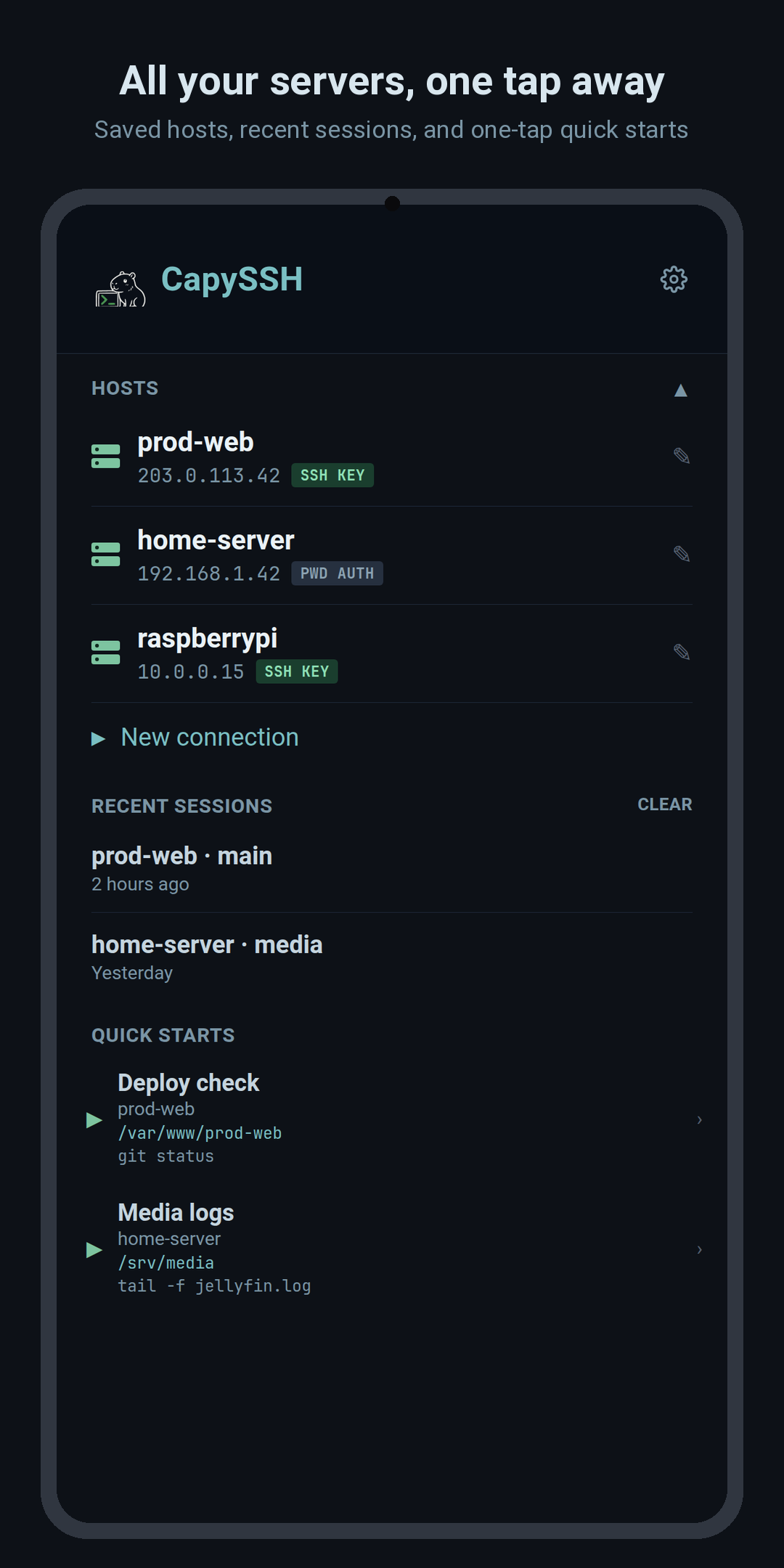
A native Android terminal built around tmux session persistence. Connect over plain SSH, attach to your tmux session, and pick up exactly where you left off, even after your phone changes networks.
What's inside
Built for real terminal work on a phone
Everything you need to actually administer a server from your pocket, not just a toy SSH prompt.
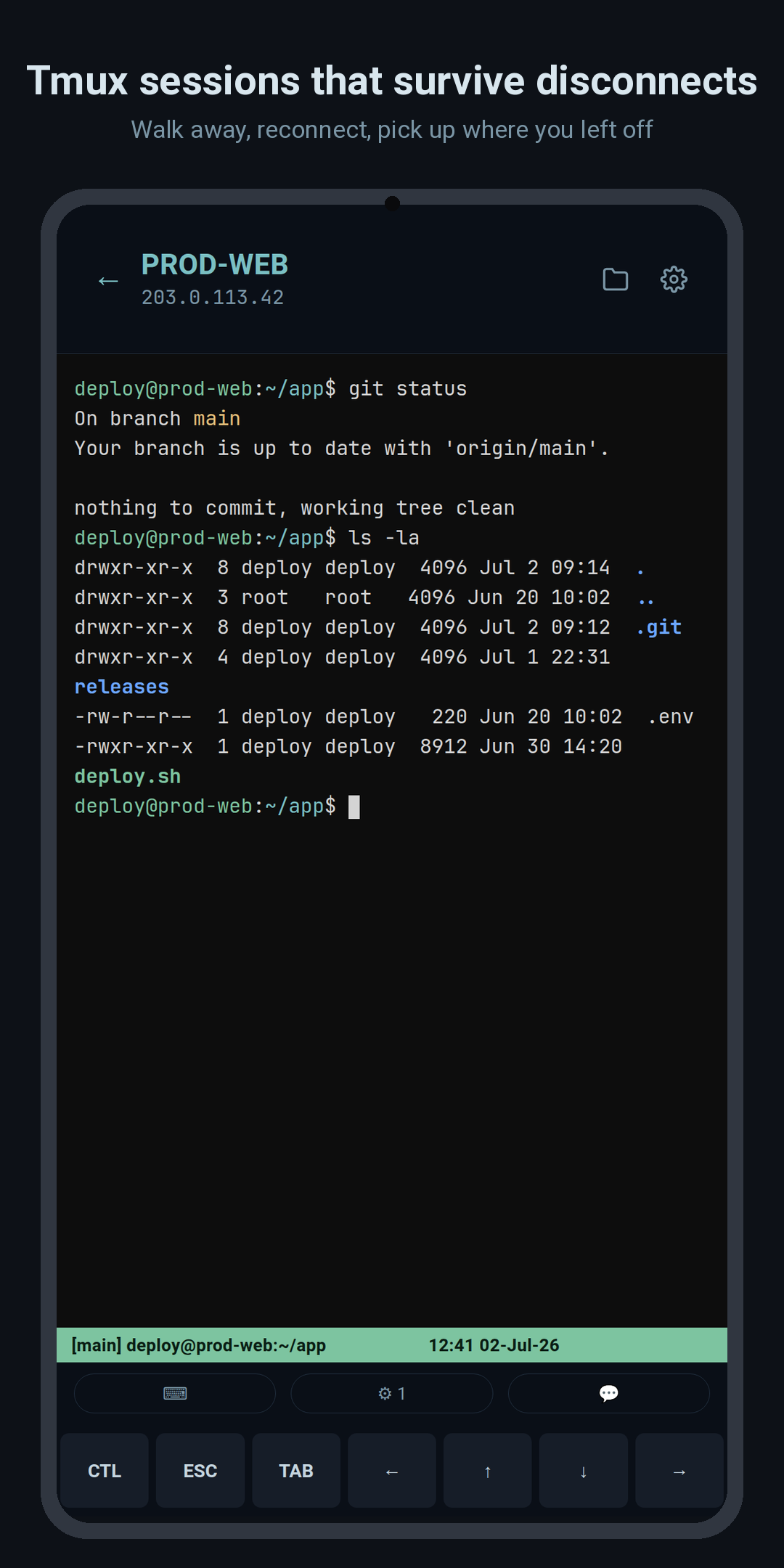
Tmux session persistence
Attaches to or creates tmux sessions automatically. Your work keeps running on the server whether the app is open or not.
Transparent auto-reconnect
Drops to Wi-Fi, mobile data, or a dead spot? CapySSH reconnects with exponential backoff and re-attaches your session, with no lost scrollback.
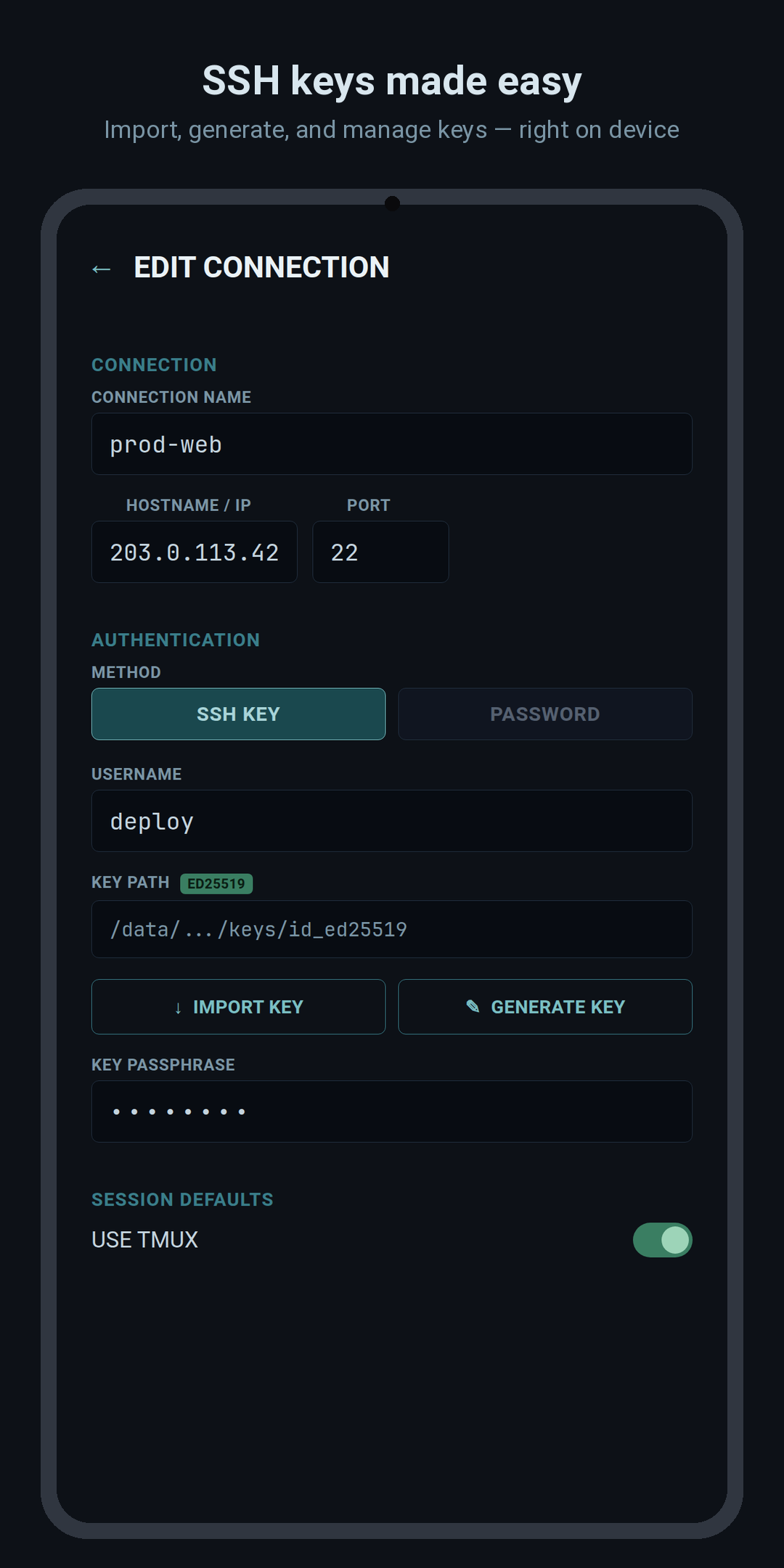
SSH keys made easy
Import existing keys, generate a fresh Ed25519 keypair on-device, and manage passphrases. Everything's stored in encrypted, app-private storage.
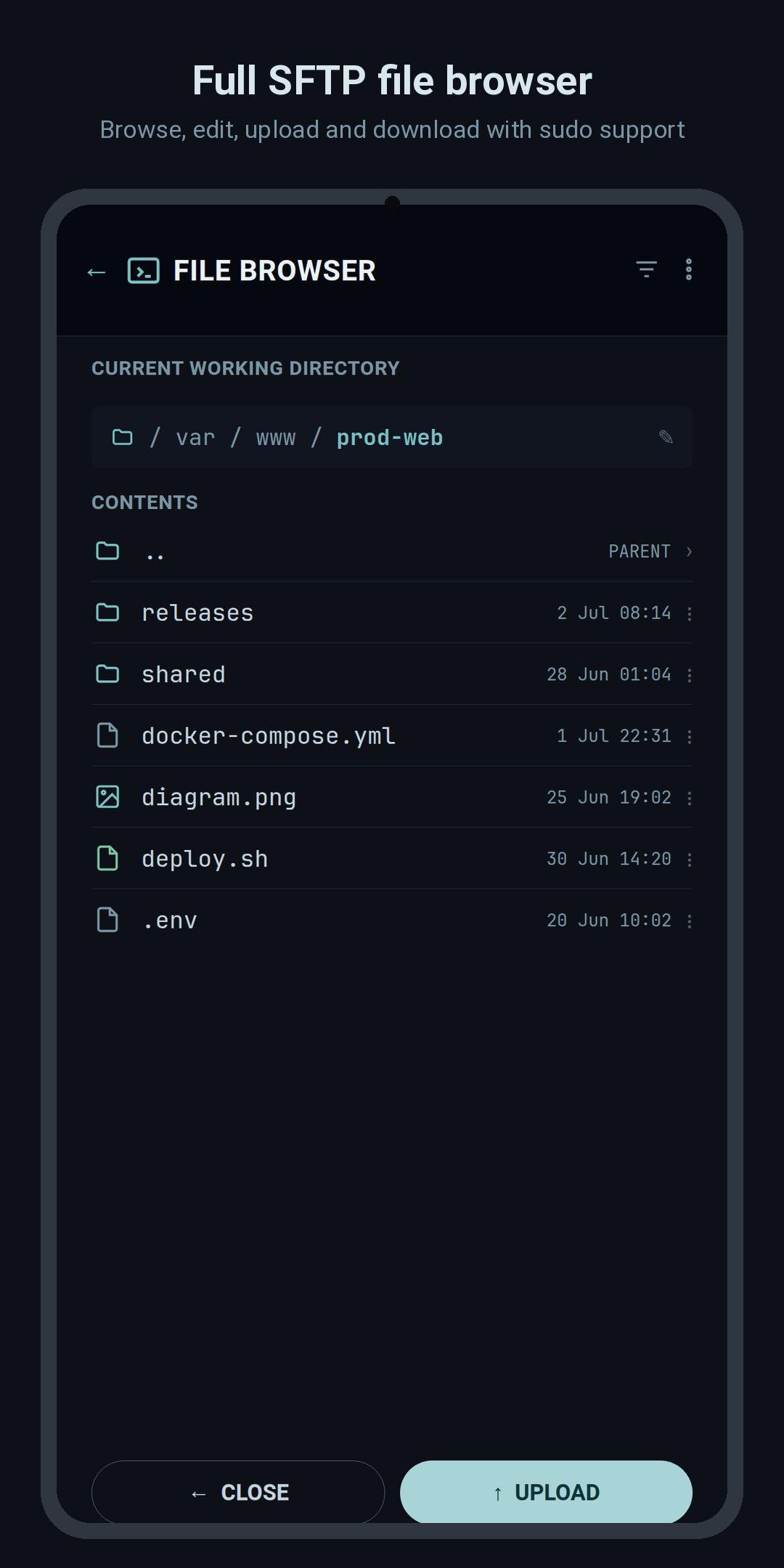
Full SFTP file browser
Browse, view real permissions, edit, move, and delete files over SFTP, with an elevated (sudo) mode when you need it.
Real terminal, real keys
A proper xterm.js terminal with mouse scroll, text selection, a configurable virtual-key row, and one-tap command shortcuts.
Editor & viewers built in
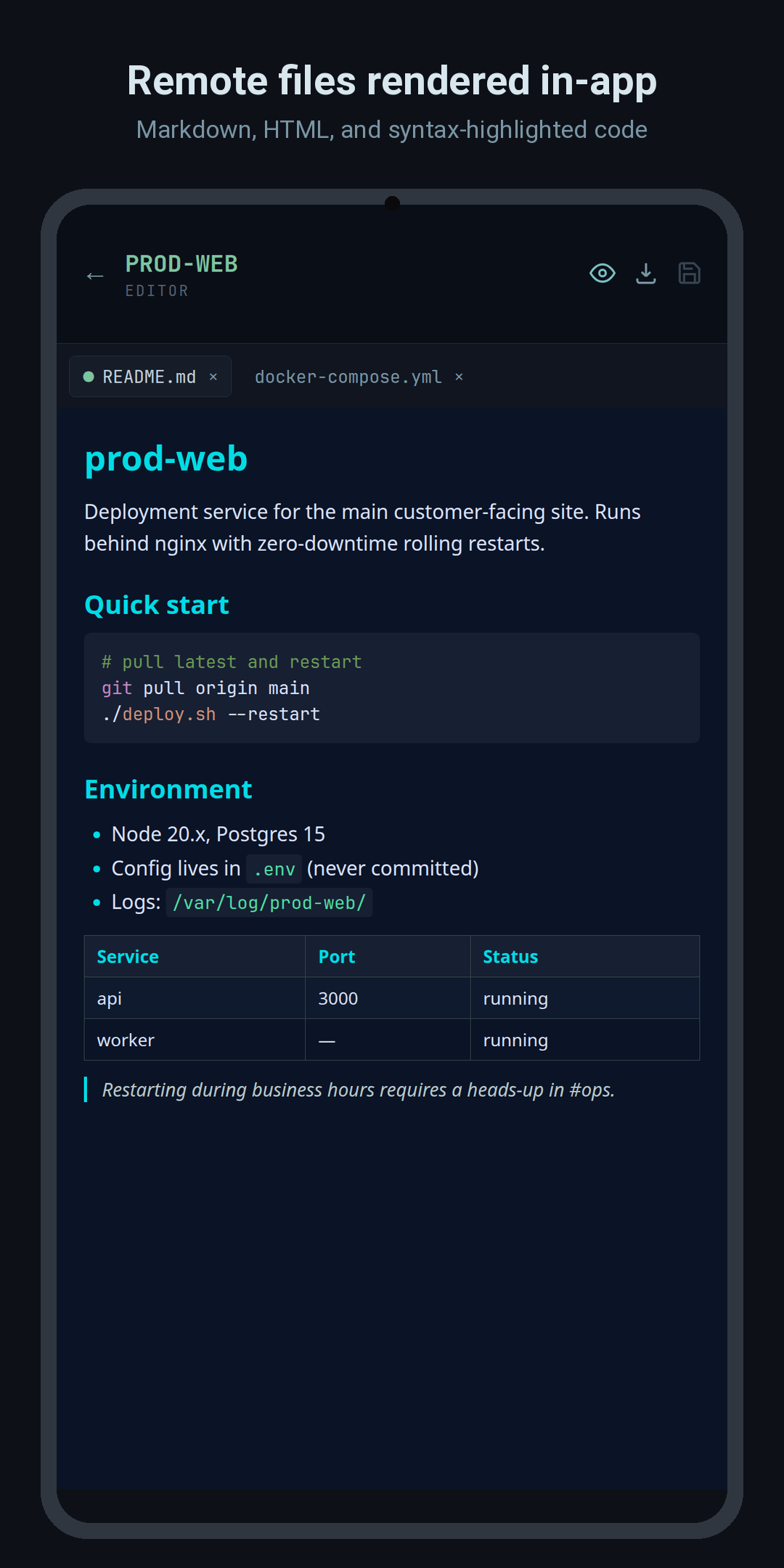
Edit remote files with a syntax-friendly editor, preview Markdown, and view images inline, without leaving the app.
A look around
See it in action
Swipe through the app.
Your servers stay yours
CapySSH has no accounts, no analytics, and no third-party APIs. The only network traffic it makes is the direct SSH/SFTP connection to the servers you configure. Connection details, passwords, passphrases, and keys are stored locally on your device. Passwords and passphrases are encrypted with AES-256-GCM.
🔒 Read the full privacy policy →